The short version
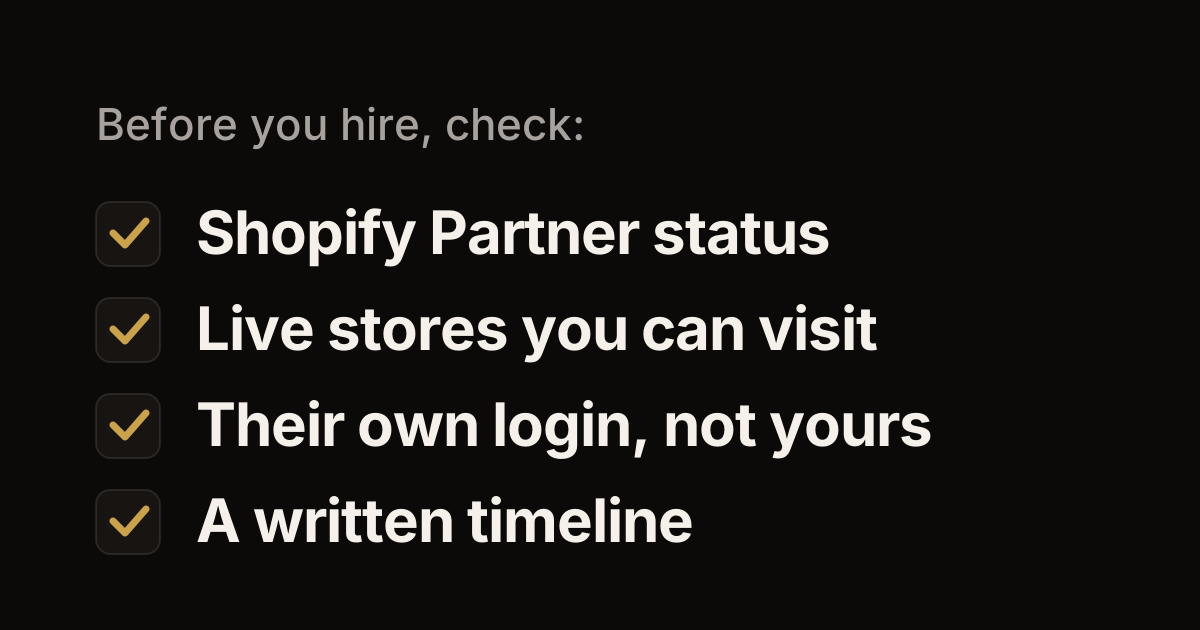
- Look for proof you can check: Shopify Partner status, live stores you can visit, and Shopify Plus work if your store is on Plus.
- Keep control of your store. It stays in your name, and your developer gets their own collaborator login, never your password.
- Ask who does the work, how they'll protect your search traffic in a migration, how long it will take, and what happens after launch.
- Hiring close to home makes in-person meetings and same-time-zone calls easy, but it doesn't replace these checks.
Hiring a Shopify developer is hard to get right the first time. Portfolios look alike, every proposal sounds confident, and much of the work happens where you can't see it. This guide covers what to look for, the questions to ask and the red flags to watch for. We checked each Shopify detail against Shopify's own help pages in October 2026.
A note on who's writing: SevSolutions is a Shopify Partner agency based in Cleveland. So read this knowing we'd like the job. Everything below is something you can check for yourself, whoever you hire.
What to look for
Shopify Partner status
Shopify's Partner Directory lists Shopify Partners you can hire: developers, designers, freelancers and agencies. You can filter it by service, location, industry and language, and each profile shows reviews and work samples. Those reviews come from store owners who gave that Partner access to their store for at least a week. Partners also carry a tier, from Select to Plus, Premier and Platinum, which Shopify bases on their experience and track record on Shopify.
Shopify's guide to hiring and working with Partners suggests a good first step. Before you reach out, write down what you need, your budget, your timeline and the result you expect. Contacting a Partner doesn't commit you to hiring them.
There's one more check later on. When a Partner asks for access to your store, Shopify may show the month and year their Partner account was created.
Live stores you can visit
Ask for two or three live stores they built or worked on, and what exactly they did on each: a full build, a theme, an app or a migration. Then visit those stores on your phone. Do pages load quickly? Does search find things? Can you get from a product to checkout easily? If you can, ask to talk to one of those store owners.
Shopify Plus experience, if you need it
If your store is on Shopify Plus, or will be, ask for Plus work in particular. Plus has tools the other plans don't, such as apps on every checkout step, custom apps with Shopify Functions and up to 9 expansion stores. Our guide to what changes when you upgrade to Plus explains them.
Who actually does the work
Ask who will write the code and who you'll talk to each week. Ask, too, whether anyone outside their team will work on your store. You should know who has access to your store and who answers when something breaks.
How they protect your search traffic in a migration
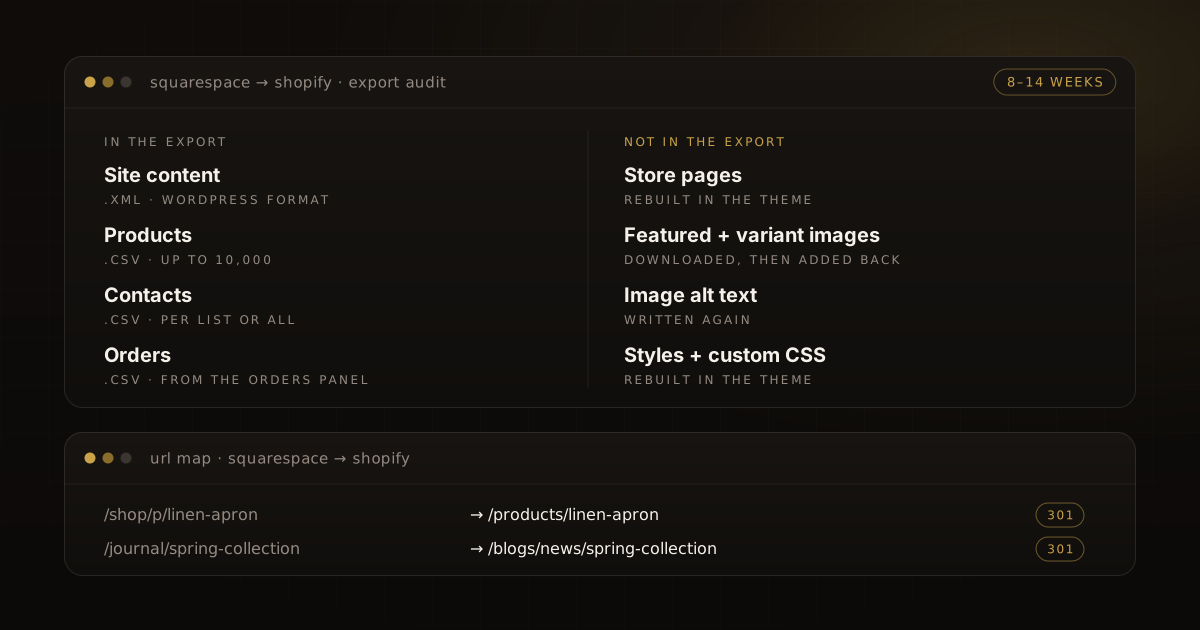
If you're moving to Shopify from another platform, ask how they'll keep your Google rankings. The core of it is 301 redirects: permanent forwards that send each old web address to the matching page on your new store, so shoppers and search engines don't hit dead ends. A Shopify store can hold up to 100,000 redirects, or 20,000,000 on Shopify Plus.
A good answer covers four things: how they'll list every old URL, where each one will point, how they'll test the redirects before launch, and how long they'll watch Google Search Console after launch. Search Console is Google's report on how your site shows up in search. Our Wix and WooCommerce guides show what that work looks like.
A realistic timeline
Ask for a written timeline with dates, and what could make it slip. In our experience, a typical migration to Shopify takes 8–14 weeks. A much shorter promise for a full migration should come with a clear reason.
Support after launch
A store keeps changing after launch, and so does Shopify. Shopify releases new versions of its APIs, the connections apps use to work with your store, every three months. Each version works for a year, and then apps need updating. So someone has to look after any custom app or integration. Ask who fixes problems after launch, how quickly they respond and how that work is billed.
You own your store and your code
Each Shopify store has one owner, with complete access. Only the owner can manage Shopify Payments, pause or deactivate the store, or transfer ownership. That owner should be you or your business.
If a developer builds you a new store, Shopify's process is a client transfer store. They build it under their account and transfer it to you, and from then on you own it. If you already have a store, developers work in it as collaborators. They don't own it, and Shopify doesn't let you transfer ownership to a collaborator.
Code is a matter for your contract. Get it in writing that you own your theme and any custom app code, and agree where that code will be kept. Custom apps are managed in Shopify's Dev Dashboard, where store owners have full access. So agree up front on whose account holds each one.
Collaborator access, not your password
Never share your own login. Shopify gives developers collaborator accounts instead. A collaborator gets their own login and only the permissions you choose. They must turn on two-step authentication, they don't count toward your store's user limit, and you can remove them at any time. If they don't log in for 90 days, their access ends on its own.
To start, give your developer the 4-digit collaborator request code. In your admin, go to Settings, then Users or Users & permissions, then Security. Only Partners you've given the code to can ask for access. When the request arrives, review the permissions and grant only what the work needs. Shopify's advice is simple: if you're not sure why they need a permission, ask.
Questions to ask
- Are you a Shopify Partner, and can I see your Partner Directory profile?
- Which live stores have you worked on, and what did you do on each?
- Who will work on my store day to day? Will anyone outside your team touch it?
- Have you worked on Shopify Plus stores? Ask this if you're on Plus or heading there.
- For a migration: what's your redirect plan, and how long will you watch search traffic after launch?
- What's the timeline, in writing, and what could make it slip?
- What happens after launch, and how is that work billed?
- Will I own the code, and where will it be kept?
- What access do you need, and why?
- How will we keep in touch, and how often will I see progress?
Red flags
- They ask for your Shopify password instead of sending a collaborator request.
- They want to build your store under their name, with no plan to transfer it to you.
- They promise your rankings or sales will go up. Nobody controls Google.
- They can't show live stores, or won't say who does the work.
- Their migration plan has no redirect list.
- They give a quote or a timeline with no written scope behind it.
- They push you to sign this week.
Why hiring local can help
Most Shopify work happens online, so a good developer can be anywhere. Still, working with someone nearby has real benefits. You can meet in person for the kickoff and the launch, look at the store side by side, and set up calls in the same time zone. If you're in Cleveland or elsewhere in Northeast Ohio, that's easy with a local team. But don't let location replace the checks above. A great developer in another state beats a poor one down the street.
How SevSolutions answers these questions
- We're a Shopify Partner agency, in business since 2016, and based in Cleveland.
- We work only on Shopify and Shopify Plus.
- You work directly with the engineers who build your store.
- You get a written scope with dates, and you see progress every week in demos on a staging copy of your store.
- A typical migration takes 8–14 weeks. We map every URL, set up 301 redirects and watch Search Console for 90 days after launch.
- After launch, most clients move to a monthly retainer for ongoing work.
If you're in Northeast Ohio and want to talk through a project, get in touch. Bring these questions. You can also read more about us or see our migration services.
Work with us
Thinking about your next Shopify project?
We build and migrate Shopify stores for brands that care about performance. If this article sparked something, tell us what you’re working on.
Start a conversation