The short version
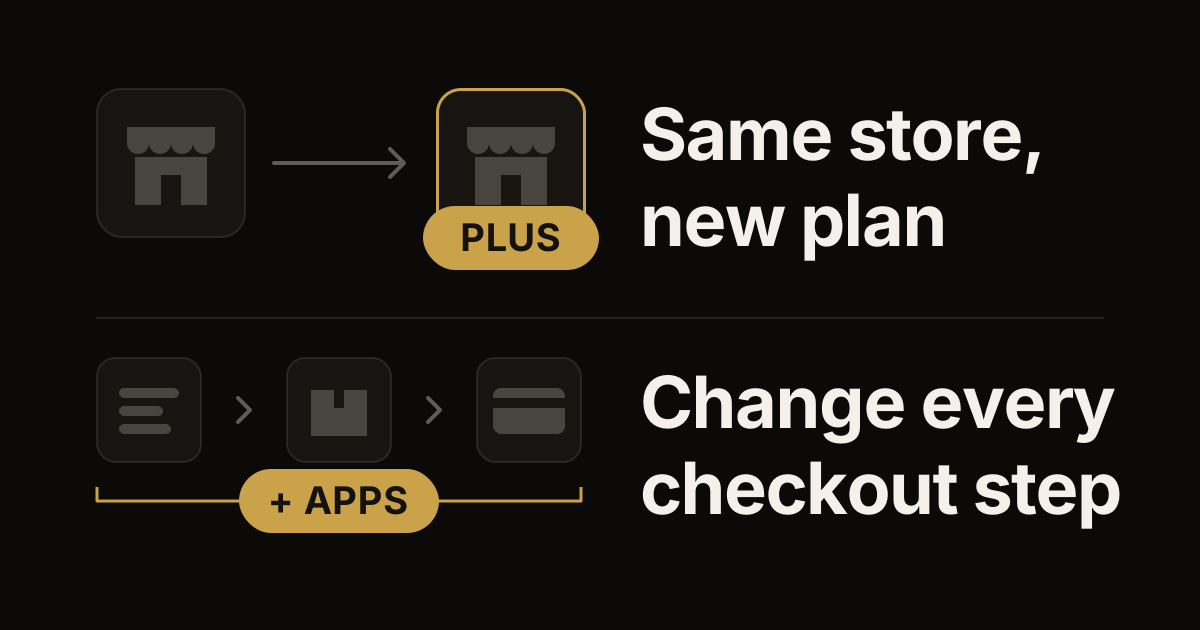
- Shopify Plus is a plan, not a different platform. Shopify upgrades the store you already have, so your products, customers, orders and theme stay where they are.
- Plus adds a checkout you can change on every step, custom apps built with Shopify Functions, more wholesale (B2B) tools, up to 9 extra stores for other markets, unlimited staff accounts and priority support.
- It's worth it when one of those is holding back real work, not just because your store is growing.
- Prices change, so we leave them out. Shopify's pricing page has the current ones.
The question "Should we be on Shopify Plus?" usually comes up when something gets hard. Maybe it's a checkout change your plan won't allow, a discount rule no app can handle, or a wholesale setup that keeps hitting limits.
Shopify has four main plans: Basic, Grow, Advanced and Plus. This guide covers what Plus adds, what stays the same, the signs you've outgrown your plan, and how the move works. The details come from Shopify's help center and its Plus pages as of October 2026.
What stays the same
Upgrading doesn't move your store. Shopify says that after you sign up, it upgrades your store to the Plus plan within 24 business hours and emails you when it's done. It's the same store on a different plan, so your admin, products, customers, orders, theme and apps stay where they are.
Plenty of what people expect from Plus is on the other plans too:
- Discounts built into your admin: amount off, buy X get Y and free shipping, as codes or as automatic discounts.
- Apps from the Shopify App Store, including apps built with Shopify Functions. Stores on any plan can use them.
- Shopify Flow, Shopify's free app for automating tasks. It's available on the Basic, Grow, Advanced and Plus plans.
- Wholesale basics. Shopify's help center lists Shopify B2B, its built-in set of wholesale features, on the Basic, Grow, Advanced and Plus plans. Company accounts, catalogs, net payment terms, PO numbers and quantity rules work on all four.
- Checkout branding, and apps on the thank you and order status pages, from the Basic plan up.
What Plus adds
Here's what Shopify lists for Plus, in plain words.
A checkout you can change on every step
On the other plans, you can brand your checkout and add apps to the thank you and order status pages. On Plus, you can also add apps to the information, shipping and payment pages. You also get the Checkout Branding API, a developer tool for more design changes. And Shopify says Plus lets you run separate checkout flows for wholesale and retail customers in the same store.
If checkout is why you're looking at Plus, read what moved the needle in our checkout tests first. Some changes are worth making, and some aren't.
Custom apps with Shopify Functions
Shopify Functions are small pieces of custom code that run inside Shopify itself. They handle things like discounts, shipping and payment options, bundles and checkout rules. Stores on any plan can use Functions that come inside apps from the Shopify App Store. Only Plus stores can use custom apps with Functions, meaning apps built just for one store.
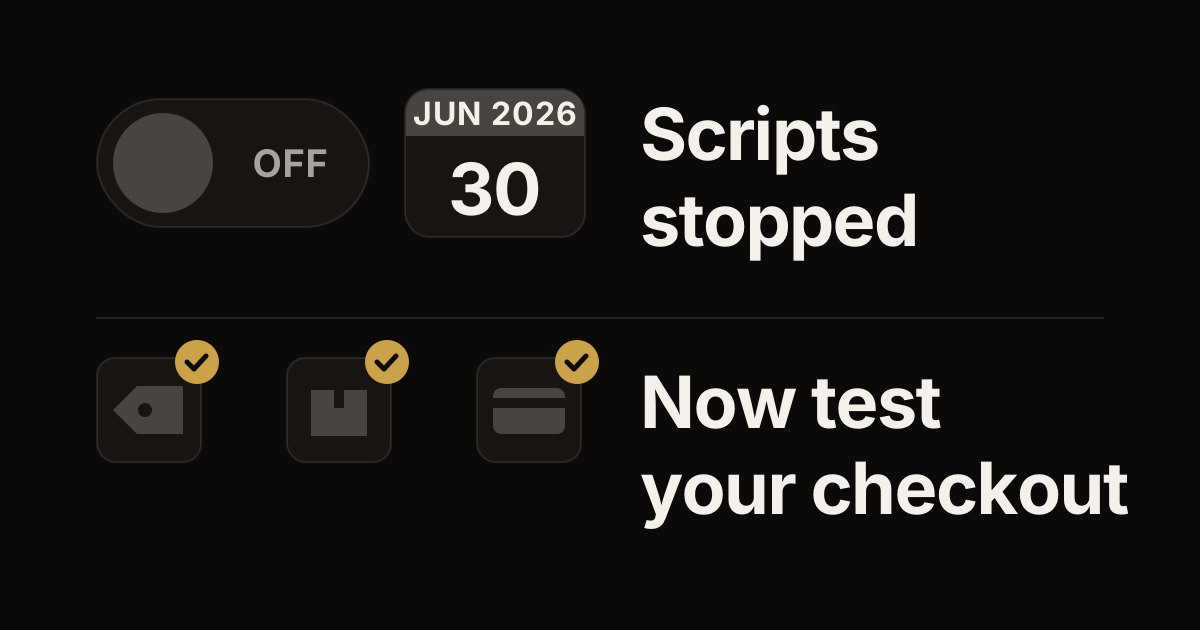
That matters when your deals or checkout rules are specific to your business. It also matters if you relied on Shopify Scripts, which stopped running on June 30, 2026. Our guide to what to check now that Scripts have stopped covers that. Your developer will find the code side in our Discount Function API deep dive.
More wholesale (B2B) tools
On the Basic, Grow and Advanced plans, you can use up to 3 active B2B catalogs across all your wholesale markets. A catalog is the set of products and prices that a group of wholesale buyers sees. Plus adds three things:
- Unlimited catalogs.
- Catalogs for one company or one of its locations, so each wholesale customer can have their own prices.
- What Shopify calls advanced payments: deposits, partial payments and payment requests for each shipment.
Our B2B checkout field guide goes deeper.
More stores, more people, more room
- Up to 9 expansion stores. These are copies of your store for other languages, currencies or wholesale buyers. They must be the same brand: Shopify says a second brand needs its own Plus contract. You ask Shopify's Plus support team for one after you upgrade.
- Unlimited staff accounts. The Grow plan allows up to 5, and Advanced up to 15.
- Organization settings, for managing several stores in one place, and custom user groups, for giving many people the same permissions at once.
- Unlimited staging stores: extra stores for testing changes before they reach your live store. Plus also allows up to 100 themes and up to 200 inventory locations.
Tools for big sales days
Launchpad lets you schedule sales, product releases and theme changes ahead of time. Plus also includes bot protection for flash sales, so automated shoppers don't crowd out real ones. And Shopify lists API call limits up to 500% higher. The API is how apps and other systems read and update your store, so higher limits help when many tools talk to it at once.
Support
Plus comes with 24/7 priority support by phone, chat or email. When you upgrade, Shopify also invites you to Jumpstart, its onboarding program for new Plus stores.
Signs you've outgrown your plan
Plus pays off when a specific limit gets in the way. Watch for these:
- You need to change the information, shipping or payment step of checkout, not just how it looks.
- A discount or checkout rule doesn't fit the built-in discounts or any app in the Shopify App Store, so you need a custom app.
- Your wholesale buyers need more than 3 catalogs, or their own prices for each company.
- You want a separate store for another country or language, or a wholesale-only store, under the same brand.
- Your team needs more than 15 staff accounts.
- You run big launches or flash sales, and you want them scheduled ahead and protected from bots.
If none of these apply, your current plan may be fine for now. If you're not sure about timing, Shopify suggests talking to its Plus sales team.
How the move works
Step 1: talk to Shopify, or try Plus first
You can contact Shopify's Plus sales team. Or, if your store is eligible, start a Plus trial from your admin under Settings, then Plan. Shopify says the trial is paid, lasts one to two months and includes most Plus features. Expansion stores and organization settings aren't part of it. If you do nothing when the trial ends, your store moves to the full Plus plan.
Step 2: the upgrade
The person with signing authority for your business makes the change. Shopify upgrades the store within 24 business hours and emails you when it's done. It also sends your Jumpstart invitation and your Priority Support contacts.
Step 3: plan the work that uses Plus
Shopify says your staff should be able to run the Plus admin tools without a developer. Building your own custom app is where you need one. List what you want to change first, such as checkout pages, a custom discount, wholesale catalogs or an expansion store. Then plan each one as its own small project.
What to do next
Write down the one or two things you can't do on your plan today. Then check whether Plus is what unlocks them. Sometimes an app on your current plan already does the job.
If you'd like a second opinion, tell us what's blocking you. We build custom apps and checkout extensions and custom themes for Shopify and Shopify Plus stores, and we'll tell you plainly whether Plus is the fix.
Work with us
Thinking about your next Shopify project?
We build and migrate Shopify stores for brands that care about performance. If this article sparked something, tell us what you’re working on.
Start a conversation